
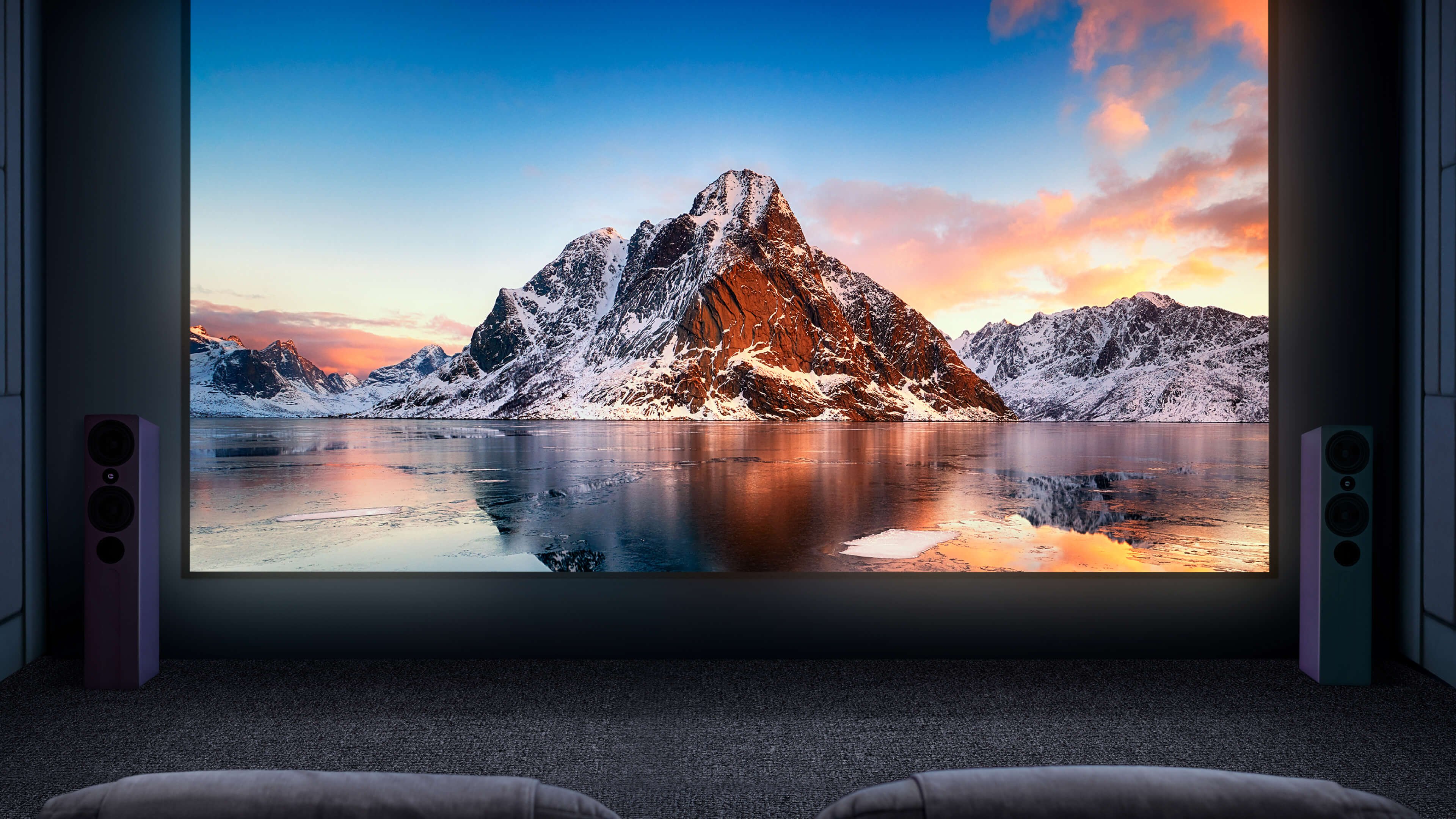
Make every film night an occasion
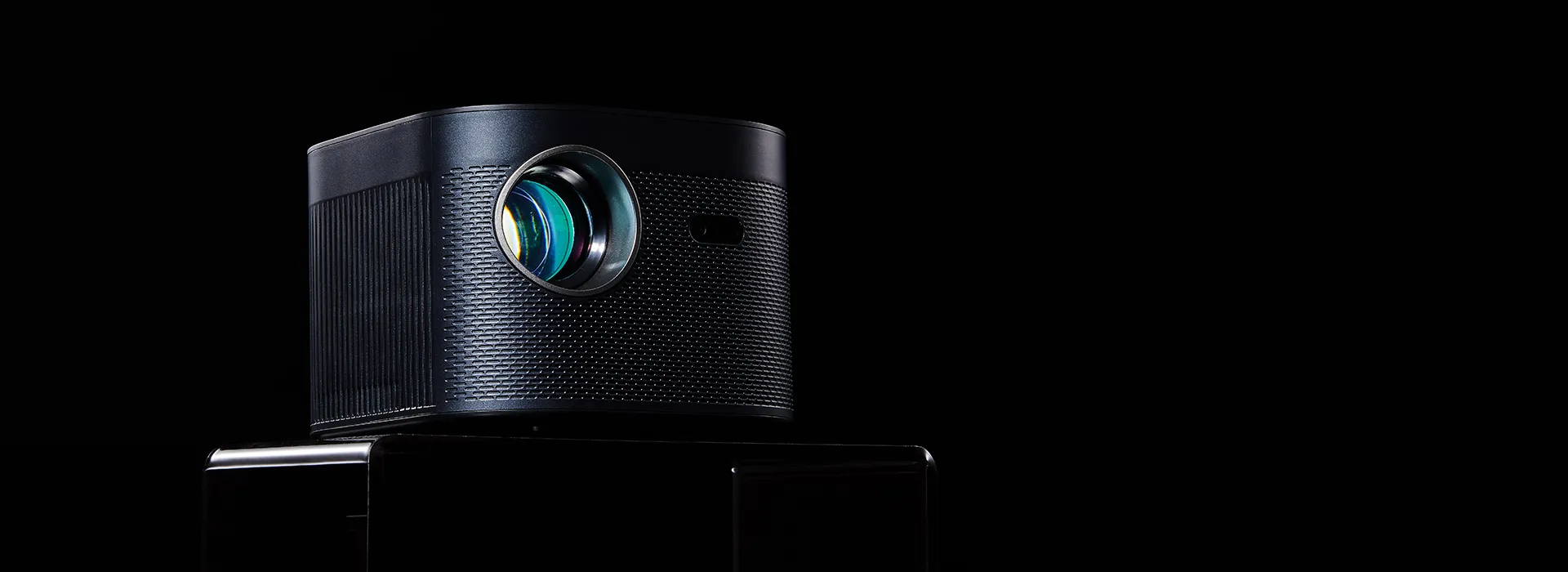
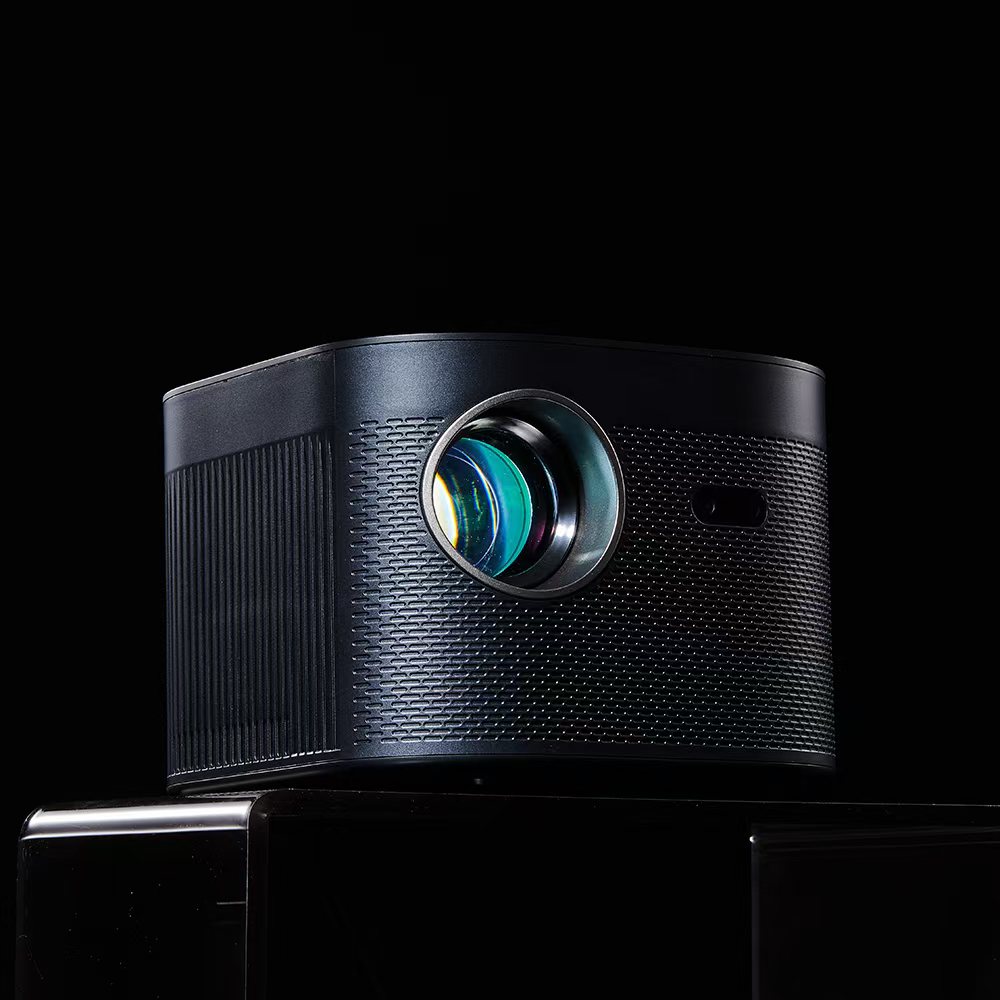
Settle in for films, favourite series and shared moments on a bigger screen. Explore VizoBeam projectors and find the right fit for your room, viewing habits and home cinema setup.
Make every film night an occasion
Settle in for films, favourite series and shared moments on a bigger screen. Explore VizoBeam projectors and find the right fit for your room, viewing habits and home cinema setup.
.jpg?w=1920&h=1920)

Explore our projectors
.jpeg?w=1920&h=1920)
VizoBeam VB-30
1.199,00 DKK
View details
|
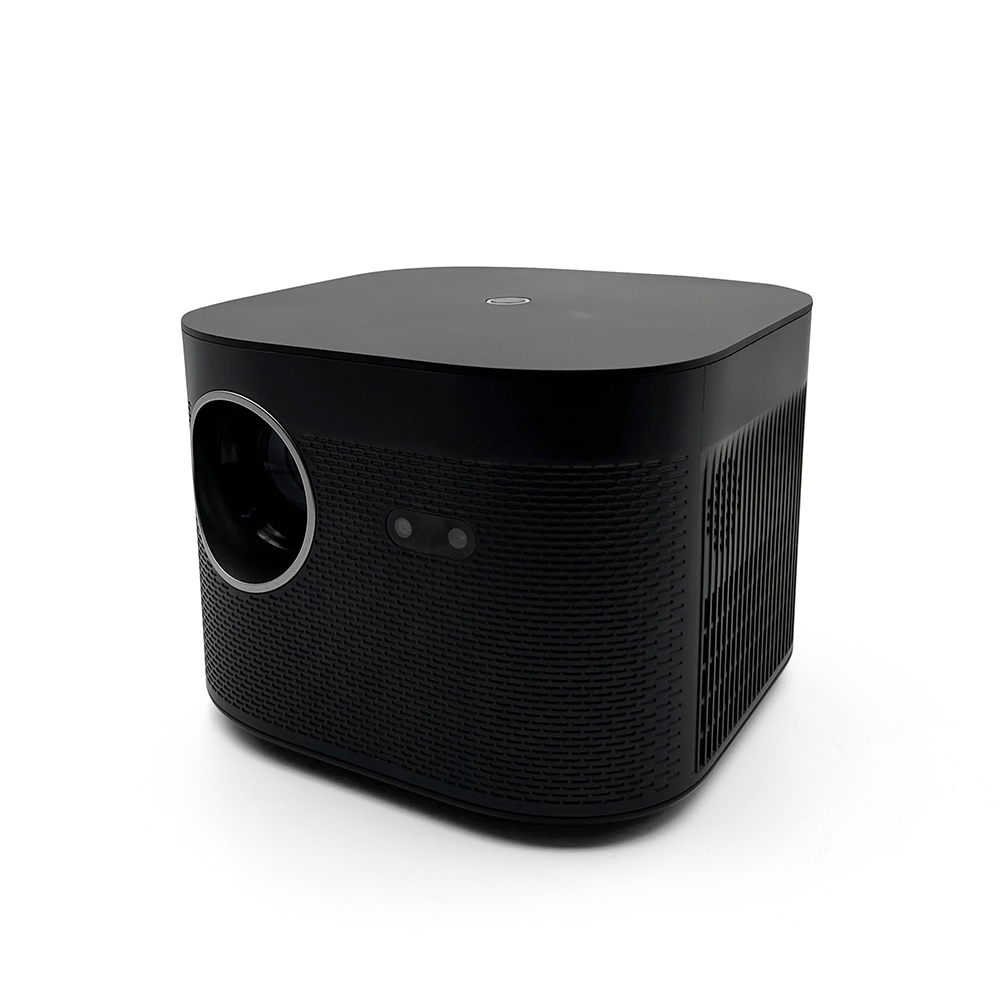
VizoBeam PRO
1.559,00 DKK
View details
|
|
|---|---|---|
| Brightness (ANSI lumens) | ||
| DCI-P3 coverage | ||
| Rec. 709 coverage | ||
| Throw ratio | ||
| Vertical lens shift | ||
| Contrast ratio (FOFO) |
Frequently asked questions
Can I connect external speakers?
Audio connections vary by model. Check the projector’s product page for supported outputs and Bluetooth features, and check that your speaker or sound system is compatible before connecting it.
How do I check which video formats are supported?
Check the specifications for your chosen model and the settings on your playback device. Video format support depends on the projector, source device, connection and content.
Does 4K support mean native 4K resolution?
Native resolution describes the number of pixels the projector displays. Support for 4K input means a compatible 4K signal can be accepted; it does not by itself mean the projector has a native 4K panel. Check the native resolution listed for each model.
Which resolution should I use on my playback device?
Select an output resolution and refresh rate supported by both the projector and your playback device. Refer to the model’s specifications and user guide for compatible settings.
What should I check before connecting a device?
Check the available ports, supported video formats and any adaptor requirements on the product page. For protected streaming content, the playback device, connection and app must also be compatible.
Can I connect a games console?
Check that your console and projector support the same connection and video output settings. Consoles with a compatible HDMI output can be connected using an HDMI cable; some handheld consoles also require a dock or adaptor.
How can I contact customer support?
Email us at support@vizobeam.com — we’re happy to help.